Every euro, in its place.
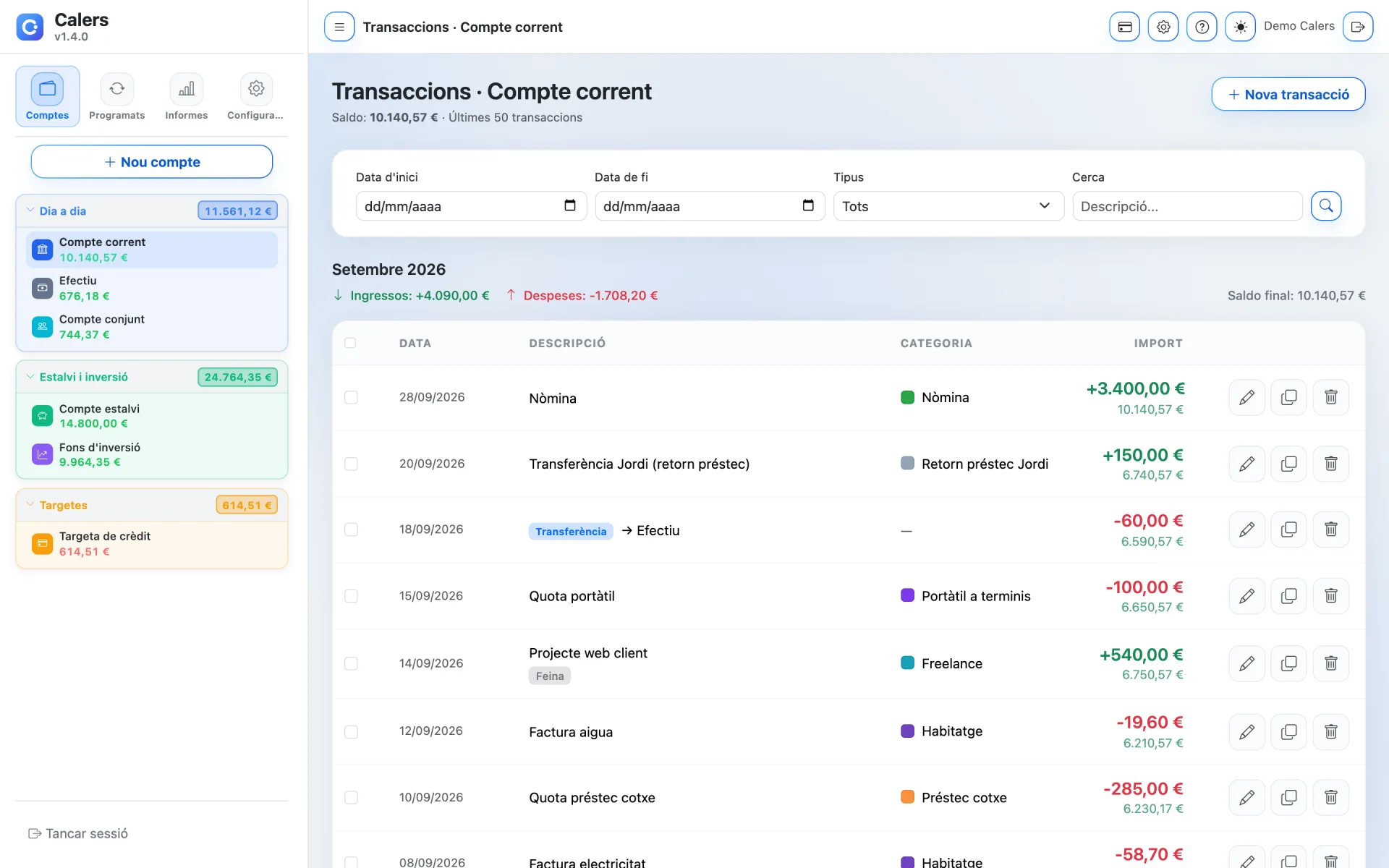
Record your day-to-day in seconds. Calers suggests descriptions, calculates the balance after each entry and helps you categorise everything so your reports make sense.
Quick to log
Description suggestions as you type and duplicate transactions to avoid repeating work.
Categories and subcategories
Organise expenses into categories with a colour and icon, and drill down with subcategories.
Free-form tags
Tag transactions as “Holidays”, “Deductible” or “Work” and find them instantly.
Bulk actions
Select several transactions and change their category, account or description in one go.
Categories that show where your money goes
Start with the default categories or create your own. Each category shows how many transactions it has and you can see the detail in one click.
- Separate categories for income and expenses
- Subcategories, for example “Car loan” inside “Transport”
- Colours and icons to recognise them at a glance

Log the expense as it happens
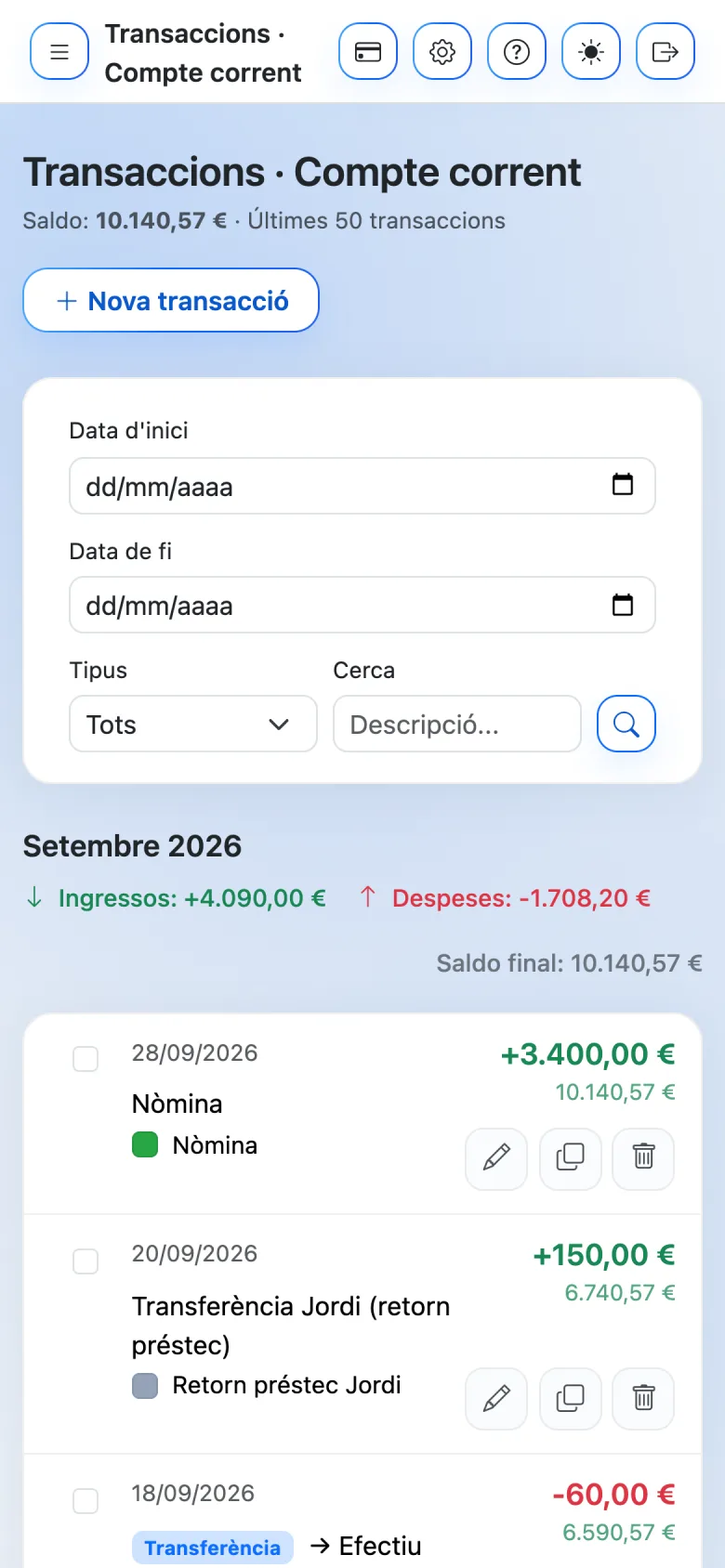
The transaction list adapts to your phone so you can record and review expenses from anywhere, then find them later with filters.
- Filters by date, transaction type and text
- Monthly summary of income, expenses and balance
- Edit, duplicate or delete with a tap
Get your money in order today
Create your account in a minute and try Calers for 7 days without paying a thing.