Your bank transactions, in three steps.
Download the statement from your online banking, upload it to Calers and match the columns. In a few minutes you have months of transactions ready to analyse, without handing anyone your bank credentials.
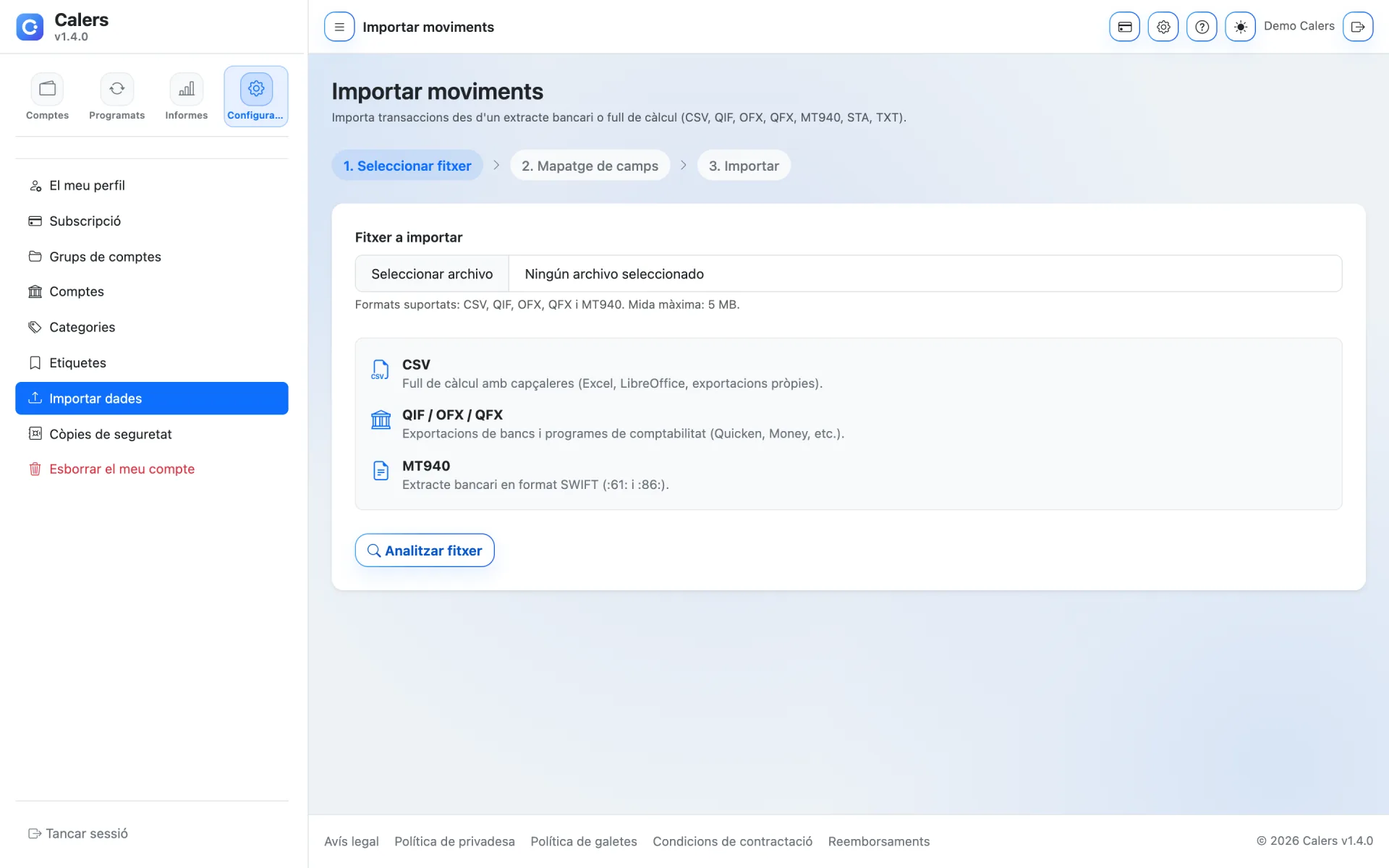
Common formats
CSV, Excel, QIF, OFX, QFX and MT940: the formats most banks and apps offer.
No bank connection
You import a file you download yourself. We never ask for your bank username or password.
Field mapping
Choose which column is the date, amount or description and review it before importing.
Export anytime
Download transactions as CSV or a PDF summary to print or archive.
Months of history, ready in minutes
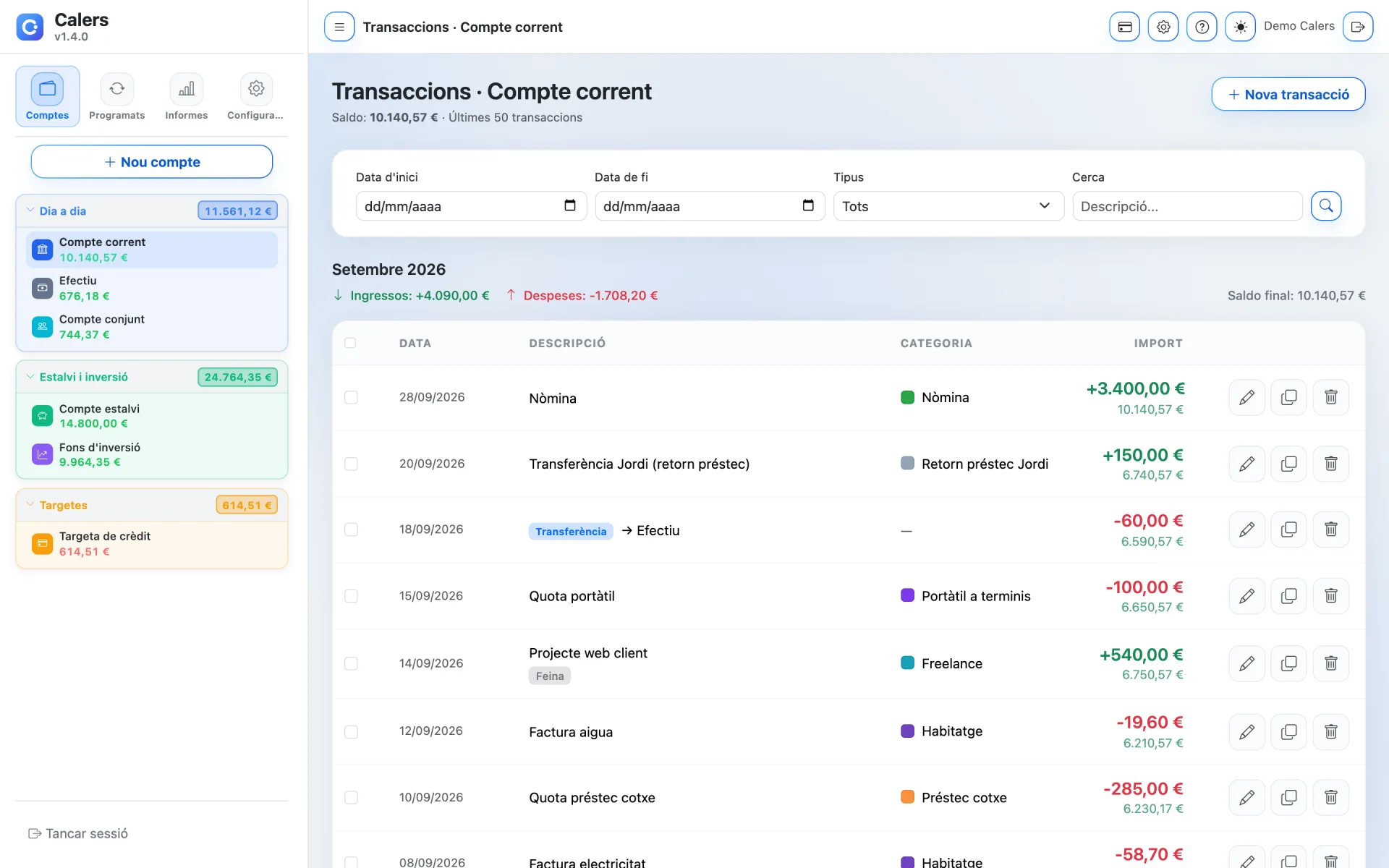
Imported transactions go into the account you choose and behave like any other: bulk-categorise them, tag them and see them in your reports.
- 3-step wizard: file, mapping and import
- Files up to 5 MB
- Bulk-categorise imported transactions
Your data never gets locked in
Everything you put into Calers is yours. Export it in open formats whenever you like: for your accountant, a spreadsheet or safekeeping.
- Export transactions and reports
- Open, standard formats
- Also available before deleting your account
Get your money in order today
Create your account in a minute and try Calers for 7 days without paying a thing.